We use cookies to make this site work. We'd also like to set optional cookies so we can understand how the site is used and improve it. We will not set optional cookies unless you accept them. You can change your choice at any time from the Cookie settings link in the footer.
Strictly necessary cookies
These cookies are required for the site to work. They store your cookie preferences and keep your session secure. They are exempt from consent under PECR Regulation 6(4) because they are essential to deliver the service you have requested.
Optional cookies
Optional cookies help us understand how the site is used and provide additional features such as analytics, accessibility tools and translation. We will only set them if you accept.
The NHS App
Use The NHS App
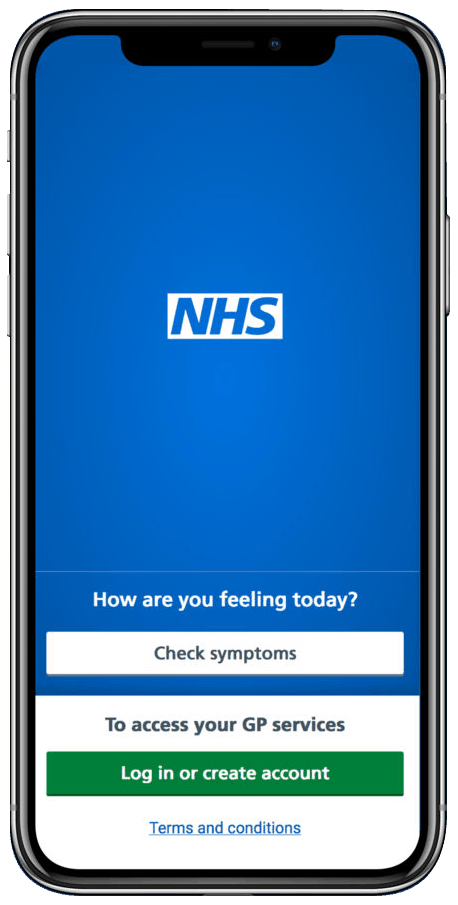
Owned and run by the NHS, the NHS App is a simple and secure way to access a range of NHS services on your smartphone or tablet.
Find out more and download the app
NHS app support: weekly sessions
We offer NHS App support sessions every Friday. Appointments are available as one-to-one sessions, either face-to-face or by telephone.
Support includes assistance with:
- Setting up and accessing your online patient record
- Resolving NHS App login issues
- Guidance on how to use the NHS App
- Setting up proxy access (a signed consent form is required)
Why attend?
- Get help with setting up your NHS App access
- Troubleshoot any technical issues
- Add proxy access for your children
- Receive guidance on submitting requests using our online services
How to book
Complete our online form to submit a request
What happens next
Once your request is received, you will be sent a booking link with available appointment slots.
What the NHS app does
Use the NHS App to:
- order repeat prescriptions - see your available medicines, request a new repeat prescription and choose a pharmacy for your prescriptions to be sent to
- book appointments - search for, book and cancel appointments at your GP surgery, and see details of your upcoming and past appointments
- check your symptoms - search trusted NHS information and advice on hundreds of conditions and treatments, and get instant advice or medical help near you
- view your medical record - securely access your GP medical record, to see information like your allergies and your current and past medicines
- register your organ donation decision - choose to donate some or all of your organs and check your registered decision
- find out how the NHS uses your data - choose if data from your health records is shared for research and planning
Other services in the NHS app
If your GP surgery or hospital offers other services in the NHS app, you may be able to:
- message your GP surgery, doctor or health professional online
- consult a GP or health professional through an online form and get a reply
- access health services on behalf of someone you care for
- view your hospital and other healthcare appointments
- view useful links your doctor or health professional has shared with you
Keeping your data secure
After you download the app, you will need to set up an NHS login and prove who you are. The app then securely connects to information from your GP surgery.
If your device supports fingerprint detection or facial recognition, you can use it to log in to the NHS App each time, instead of using a password and security code.